
B03 · Tutorial
Install Debian with Full-Disk Encryption: Privacy Kit Phase 1.1
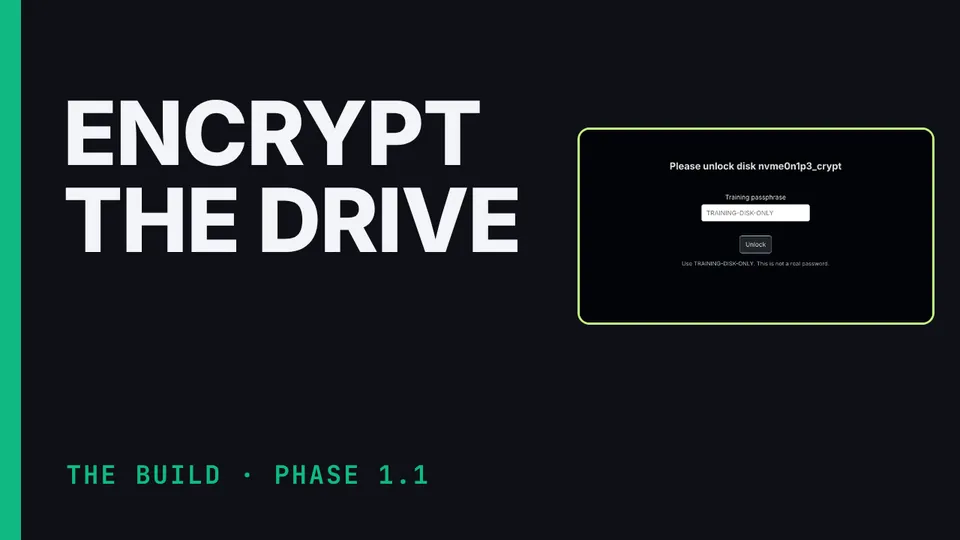
Nothing loads from YouTube until you press play. The video then plays in YouTube’s privacy-enhanced mode. Everything on screen in the Hardware Lab is a training value.
Phase 1.1 of the Communication Suite build: install Debian on the kit laptop with full-disk encryption. Why this phase is fine to do at home, making and verifying the installer USB, booting from it, the one installer option that matters (encrypted LVM), the five-random-word passphrase, and the checks before you move on. Demonstrated in the suite's Hardware Lab.
What you’ll learn
- Make a bootable Debian USB
- Install with encrypted LVM
- Understand why the laptop can be built at home
Chapters
The honest limits
The Hardware Lab's firmware and installer screens are illustrative. The encryption protects the laptop while it's off, not while it's on or asleep. Lose the passphrase and the laptop can't be recovered. The small startup partitions aren't encrypted; the firmware password and Secure Boot raise the cost of tampering with them.