
B11 · Tutorial
Set Up a GL.iNet Travel Router with Mullvad WireGuard (Phase 4.1–4.4)
Nothing loads from YouTube until you press play. The video then plays in YouTube’s privacy-enhanced mode. Everything on screen in the Hardware Lab is a training value.
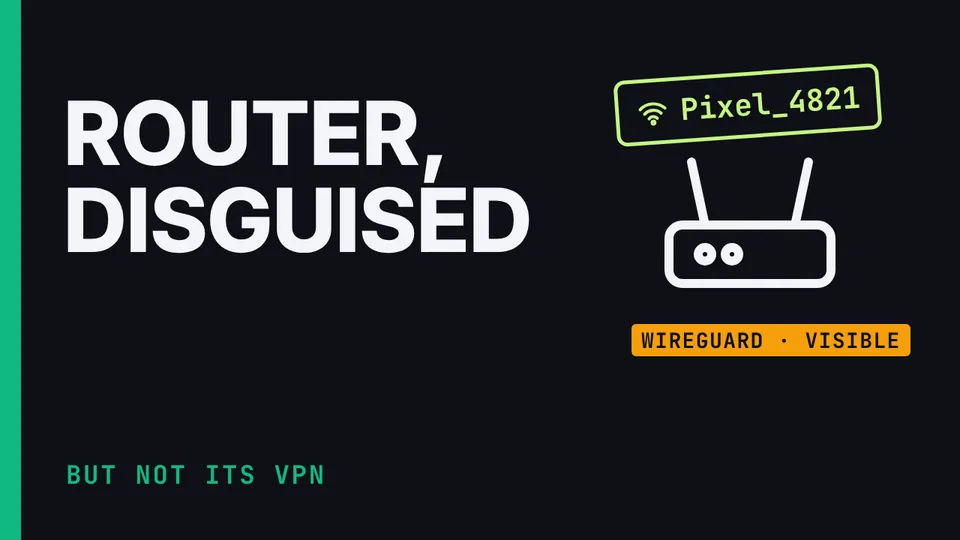
Phase 4, steps 4.1 to 4.4 of the Communication Suite build: the travel router. Why the router is the second layer, not the first; the two modes the suite's hotel test lab established; the basic setup; Option A, plain WireGuard to Mullvad with the Kill Switch, and what that lab validated; one Mullvad account with separate keys and different actual relays; DNS in both modes; and how to make the router blend in, with the limits of that: the hotel can still recognise the outer WireGuard. Demonstrated in the suite's Hardware Lab, so every password, key and relay on screen is a training value.
What you’ll learn
- Secure the router admin
- Configure the tested outer tunnel and DNS
- Make the router look ordinary
Chapters
The honest limits
The hotel can recognize the outer WireGuard, and inner QUIC doesn't disguise it. "Services from GL.iNet Use VPN" isn't proof that nothing leaves. Options B and C are untested. Full DAITA and Multihop nesting was unstable. The hotel test lab validated the IPv4 path only. Two Mullvad layers aren't two independent providers.
Check before you rely on it
These details change. Confirm them against the vendor’s current pages.
- GL.iNet admin address and firmware menus.
- GL.iNet WireGuard and Kill Switch menu names.
- GL.iNet option names (GoodCloud, "Services from GL.iNet Use VPN").
- Mullvad features; Proton as a regional fallback.