
B12 · Tutorial
Low-Signature vs Nested: Switch Travel Router VPN Modes (Phase 4.5)
Nothing loads from YouTube until you press play. The video then plays in YouTube’s privacy-enhanced mode. Everything on screen in the Hardware Lab is a training value.
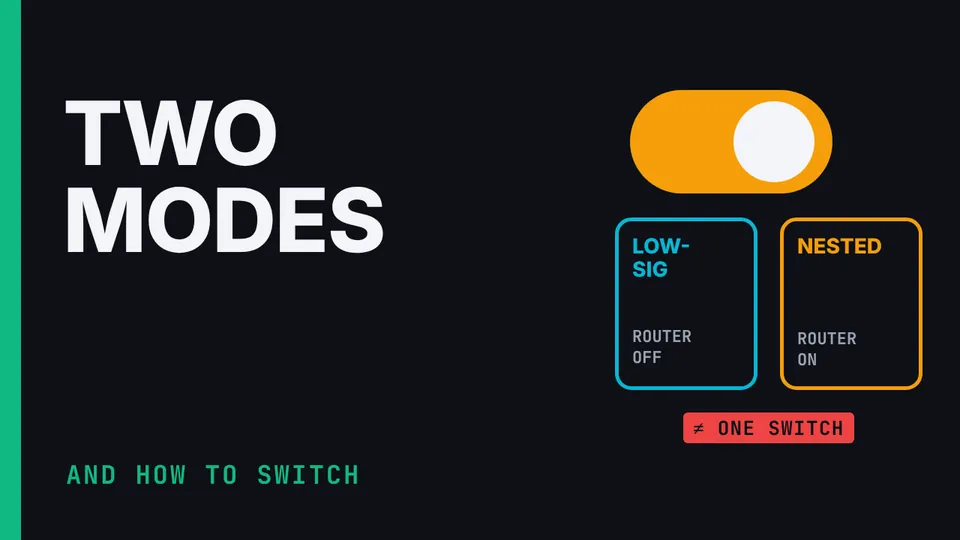
Phase 4, step 4.5 of the Communication Suite build: the two operating modes the suite's hotel test lab tested with the Debian laptop, and how to switch between them. Low-signature mode (router VPN off; each endpoint on QUIC, DAITA, Multihop and lockdown) and nested mode (router WireGuard with its Kill Switch; each endpoint on QUIC and lockdown, DAITA and Multihop off), why one router toggle selects neither, the Guide's order in each direction, how to verify both tunnels, and why every attached device needs its own protection when the router VPN is off. Shown in the suite's Hardware Lab simulator: the screens are illustrative, its connection check is simulated, and every key, relay and address is a training value.
What you’ll learn
- Know both validated profiles
- Switch between them correctly
- Verify the active path after every change
Chapters
The honest limits
In low-signature mode, endpoint IP reputation, timing and volume stay visible. In nested mode, the hotel sees the router's WireGuard. The phone's profile is modelled, not lab-validated. Full DAITA and Multihop nesting wasn't stable. The hotel test lab validated the captured IPv4 path; IPv6 needs separate testing.