
B09 · Tutorial
Set Up Signal and SimpleX, Verify Contacts Offline (Phase 3.2–3.4)
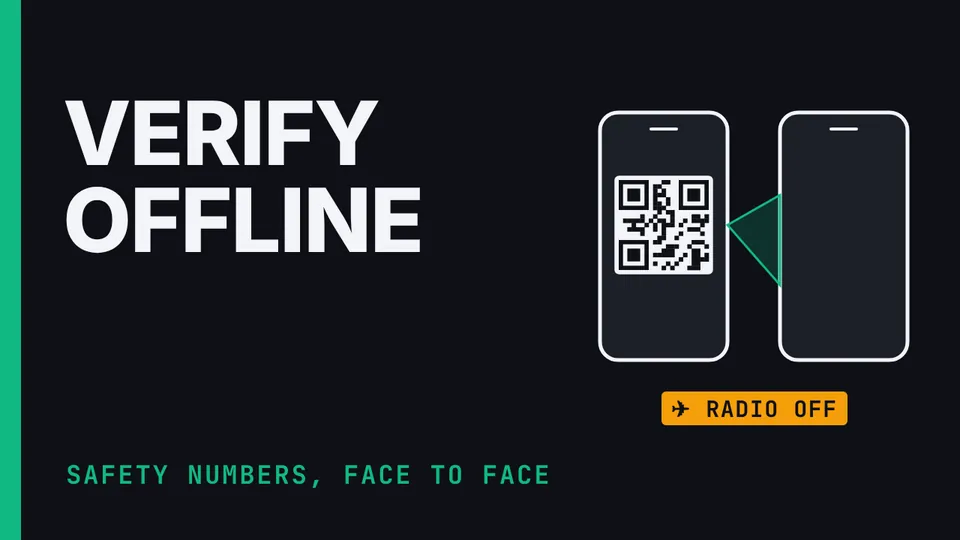
Nothing loads from YouTube until you press play. The video then plays in YouTube’s privacy-enhanced mode. Everything on screen in the Hardware Lab is a training value.
Phase 3, steps 3.2 to 3.4 of the Communication Suite build: set up the messaging identities and verify every contact offline. Register Signal on a Cape number with a registration-lock PIN, add family by hand with no contacts permission, set up the work channel in SimpleX or Molly if you chose one, follow the one rule for messaging, and then verify each contact in person with the phone in airplane mode and Wi-Fi off. Demonstrated where it can be in the suite's Hardware Lab, so every number, code and contact on screen is a training value.
What you’ll learn
- Register the family channel
- Create the work identity
- Verify every contact in person, offline
Chapters
The honest limits
Operator error, like a message on the wrong channel, is the biggest real-world risk. You need the registration-lock PIN to get the number back after a reset; it isn't a message-history backup. The lab's numbers, codes and contacts are training values.