
Start here
Six episodes on what a normal phone gives away, who can see what, and the kit’s honest scorecard.
Start with A00 →The course
Five tracks and 54 episodes, from what a normal phone gives away to a full build you can rehearse in the simulator. Watch in any order. The shelf remembers what you’ve seen in this browser, or on all your devices if you sign in. Each track ends with a short assessment.
This browser isn't letting the site save progress, so the shelf won't remember what you watch.
Watch plans
Four ways through the same material, depending on what you need first.
Six episodes on what a normal phone gives away, who can see what, and the kit’s honest scorecard.
Start with A00 →Twenty episodes that follow the Setup Guide phase by phase, from the shopping list to the readiness check.
Start with B00 →Nine design decisions and twelve deep dives: what was chosen, what was rejected, and the reason.
Start with C00 →Seven Hardware Lab sessions. Practice the whole build with training values before you buy anything.
Start with L01 →A · 6 episodes · 38 min
What the kit is, what a normal phone gives away, who can see what, and the honest scorecard.
 Watched1:36
 Watched7:05
 Watched8:27
 Watched6:46
 Watched6:53
 Watched6:50
B · 20 episodes · 1 h 58 min
The how-to series. Follows the Setup Guide phase by phase, demonstrated on the Hardware Lab simulator, ending with a readiness check.
 Watched6:00
 Watched6:32
 Watched6:14
 Watched7:19
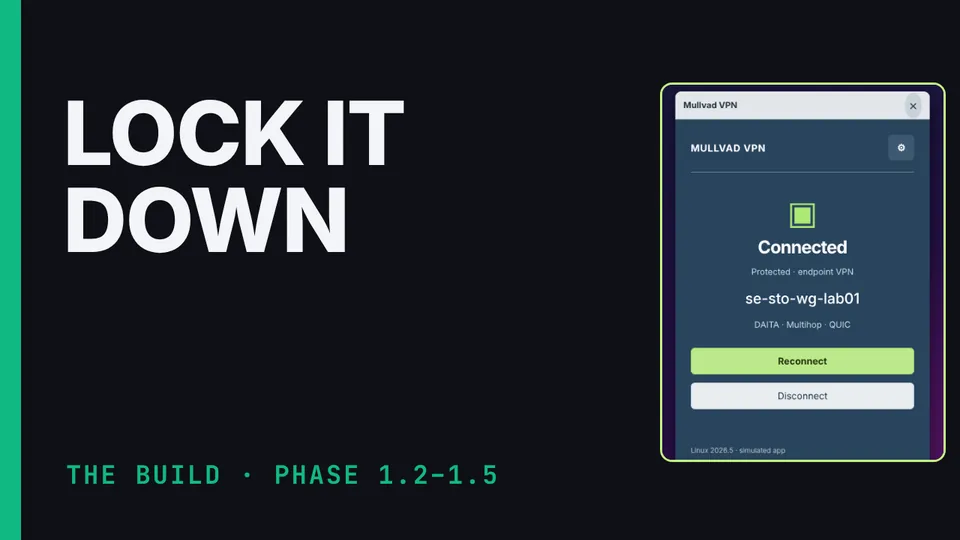 Watched7:45
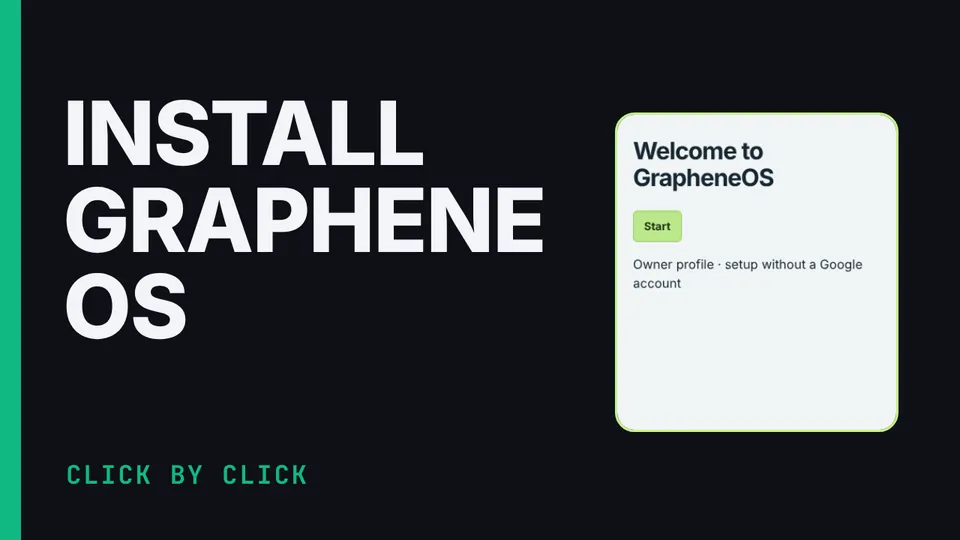 Watched6:15
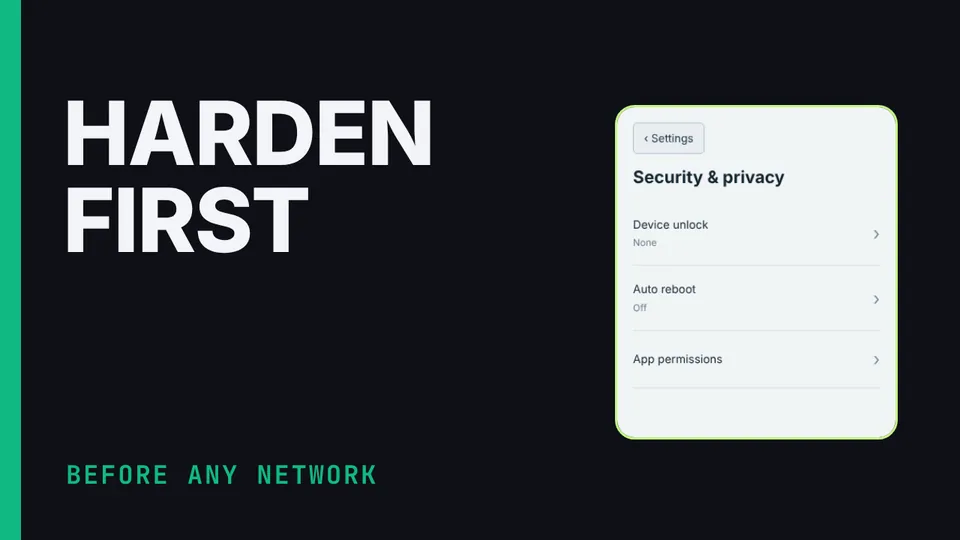 Watched4:54
 Watched4:54
 Watched5:40
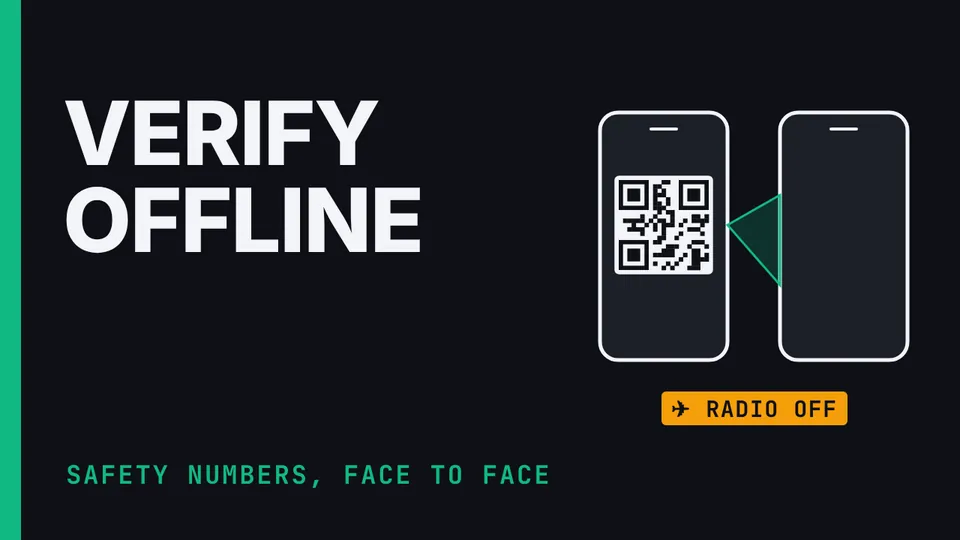 Watched4:59
 Watched3:54
 Watched7:28
 Watched5:39
 Watched8:21
 Watched4:21
 Watched6:13
 Watched5:07
 Watched4:20
 Watched6:17
 Watched5:26
C · 9 episodes · 39 min
Short design-rationale videos, one decision each: what was chosen, what was rejected, and the reason.
 Watched4:25
 Watched4:36
 Watched4:12
 Watched5:16
 Watched4:26
 Watched4:31
 Watched3:29
 Watched4:37
 Watched3:55
D · 12 episodes · 1 h 22 min
The methodology: threat model, the three properties, principles, radio limits, network modes, obfuscation, identifiers, messaging trust models, doctrine and residual risk.
 Watched6:45
 Watched5:44
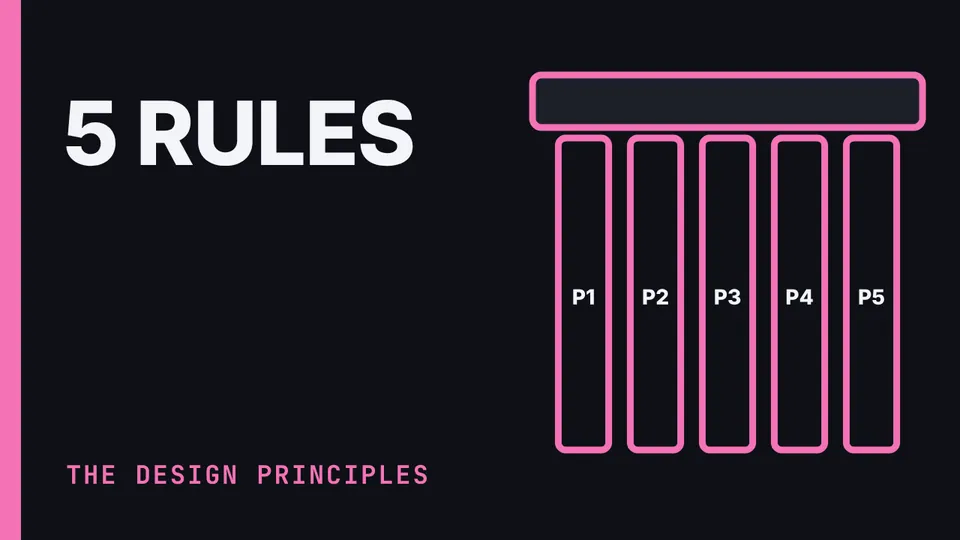 Watched8:24
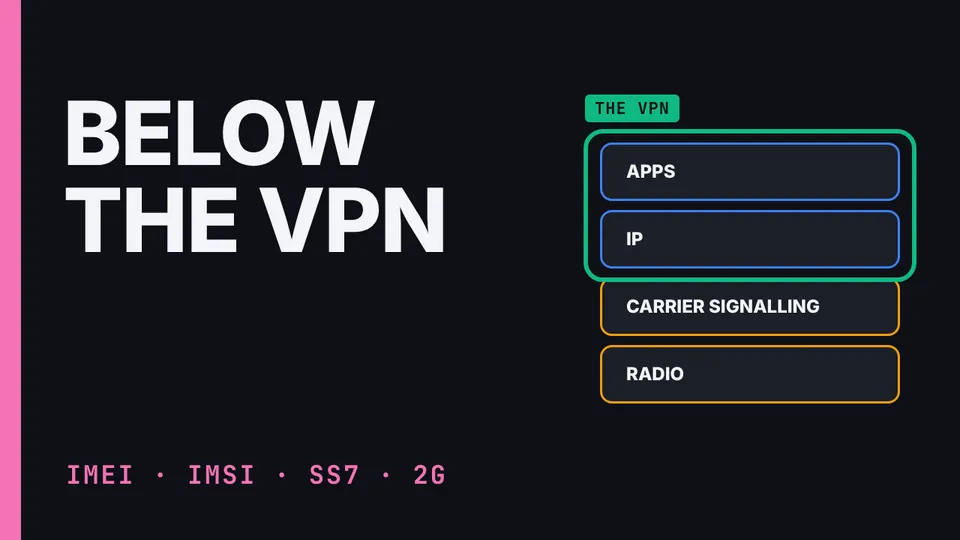 Watched6:08
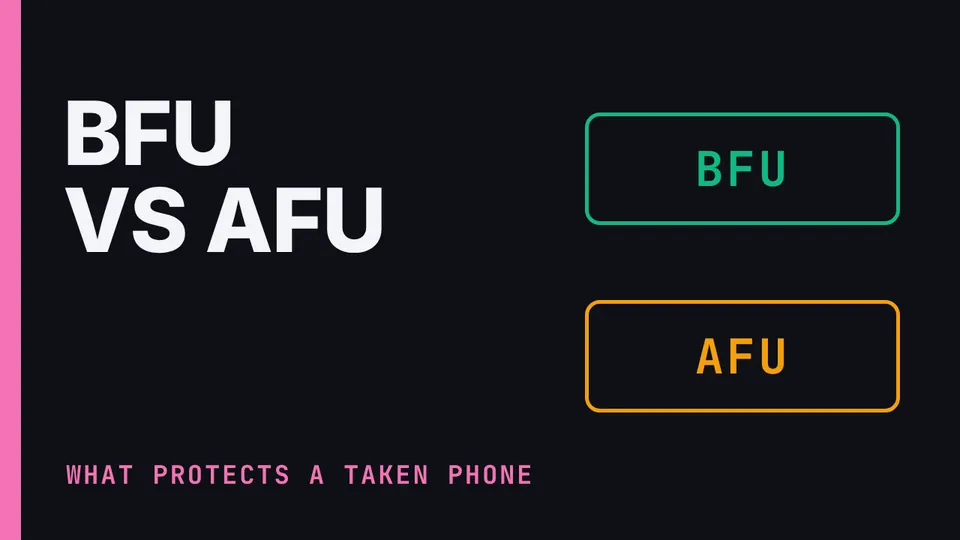 Watched5:01
 Watched6:19
 Watched5:49
 Watched5:43
 Watched7:35
 Watched6:39
 Watched9:13
 Watched8:43
L · 7 episodes · 48 min
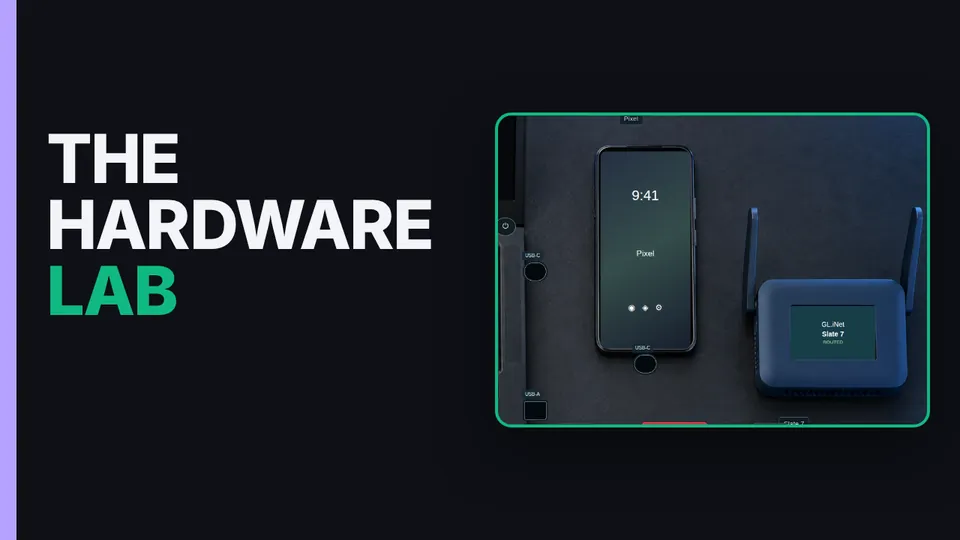
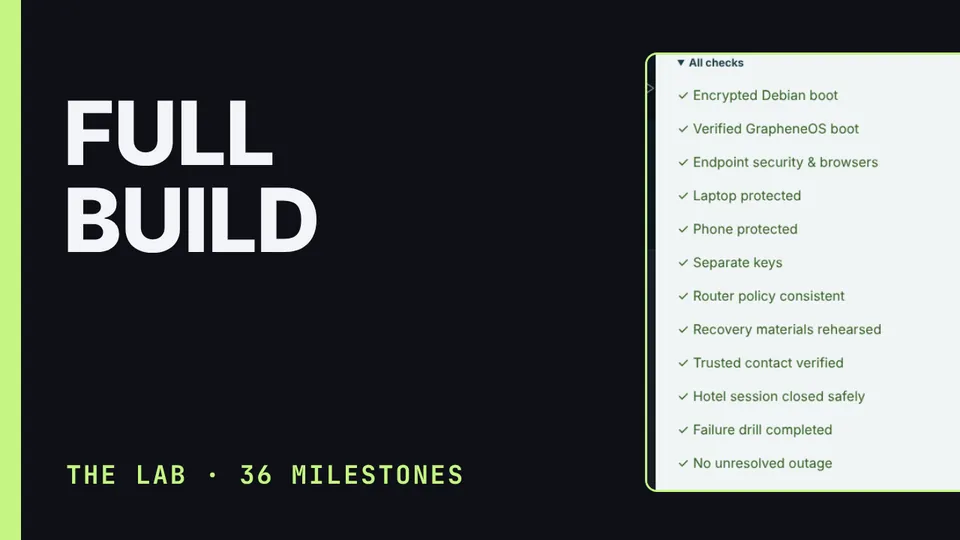
Practice the entire build on a simulated laptop, Pixel and router, with training values and a lab that tells you exactly what went wrong.
 Watched4:59
 Watched12:16
 Watched6:31
 Watched3:58
 Watched6:16
 Watched6:33
 Watched7:35
Field notes
A new one every Monday, Wednesday and Friday. Each points back to its full episode.
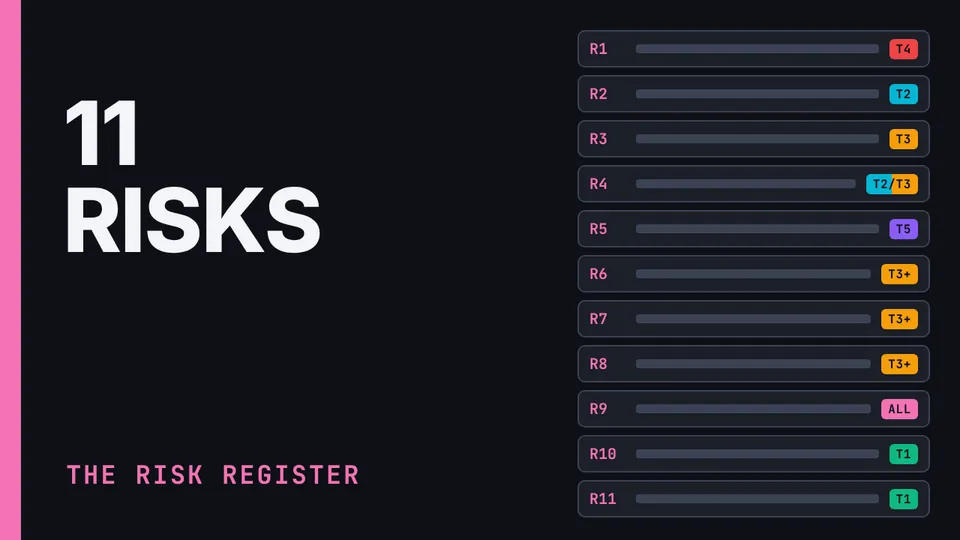
The likeliest failure isn't a hacker. The kit's Design Rationale keeps a residual-risk register: eleven risks that remain after its controls, written down so they can't be discovered at the wrong moment.
Never share one VPN key between devices. One Mullvad account is fine for one person's devices, but every device gets its own registration and its own key, the router included.
Two VPN tunnels aren't two providers. In nested mode, the kit runs Mullvad twice: plain WireGuard on the travel router, and each device's own Mullvad tunnel inside it.
Swapping your phone but keeping the number changes almost nothing. That comes from the first of the kit's five design principles: identity lives at the account layer, not the hardware layer.
No traffic doesn't prove your VPN works. In the Hardware Lab's failure drill, the laptop's VPN goes down and the laptop reads Blocked, endpoint policy: that's Lockdown mode in its Mullvad app, so no tunnel, nothing out.
Clicking every step doesn't make it ready. In the Hardware Lab, the Readiness panel keeps two things apart: milestones record the steps you've done, and they stay recorded; readiness checks the kit's current state.
The kit's Design Rationale rejects one tempting setup: transparent Tor on the travel router, pushing every device's traffic into Tor without the apps knowing.
The kit's Design Rationale rejects stacking browser privacy extensions, say Privacy Badger on top of uBlock.
Minting a fresh, full persona for every trip feels like more privacy. It usually isn't.
Mullvad's QUIC option makes the VPN tunnel look like QUIC traffic; on the tested Debian laptop, in the endpoint-only mode, it showed up as UDP on port 443.
A fingerprint is an identifier you carry on your body, and it can be compelled with a touch. A passphrase is a secret, with different legal and practical properties.
Your phone is safest right after it restarts. Before first unlock, BFU, the decryption keys aren't in memory, and most extraction tools fail.
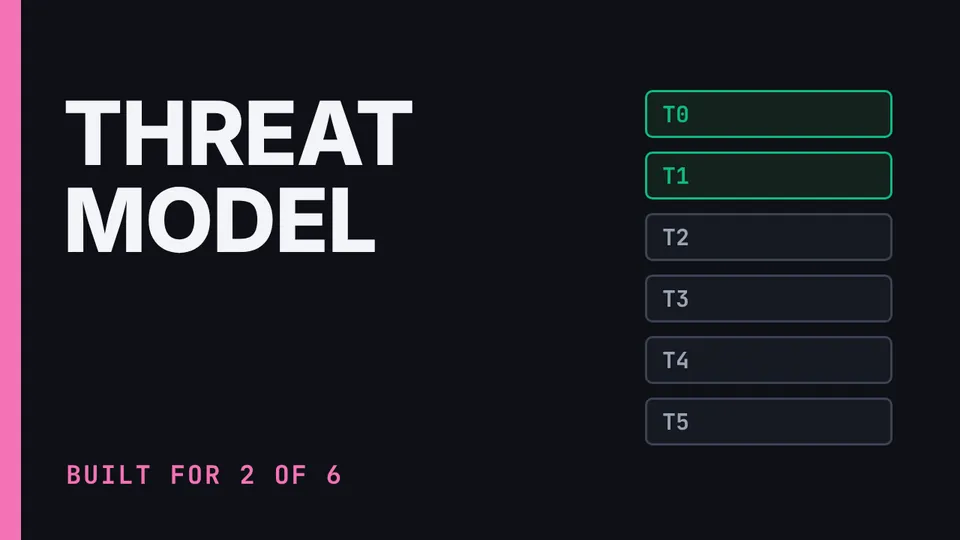
The kit's adversaries are tiered by capability and, critically, by how they collect: passive collection is always on, active collection is triggered by suspicion, and the kit is optimised against the passive tiers.
Starlink Mini is the kit's optional satellite connection for places with no signal. Powerful, but it stays off by default, because it's the loudest thing in the kit.
Buying the laptop and router online is fine, even on a business card shipped to a business address, but there are two ways to undo it.
Cash across several stores is still the ideal, but it's worth being honest about what it buys.
The obvious design puts the VPN on the travel router, and everything behind it rides that one tunnel. But on cellular, the router is out of the circuit entirely, so the phone's traffic never reaches the tunnel.
The kit's laptop encrypts its drive. If it's lost or seized while switched off, the drive can't be read without the passphrase.
Cape signs you up without your name or Social Security number, and it rotates your IMSI, your subscriber ID, every day, which attacks long-horizon tracking by that ID.
Handing the kit to someone new? The tempting shortcut is keeping the same Cape number, to save the re-signup. That one shortcut welds the new user to the old user's history: expose either one, and both are exposed.
A factory reset clears the data on the phone, but its hardware ID, the IMEI, doesn't change.
If you think the kit has been tampered with, stop: turn the radios off and put the kit in the Faraday bag. Check things from a clean channel, a different phone or another person. Don't try to clean a suspect device.
PACE is the kit's connection plan: primary, alternate, contingency, emergency, the order to try connections, decided in advance. Primary: hotel or public Wi-Fi, through the router, the cheapest and most normal.
The phone's 2-to-4-hour auto-reboot, set in Phase 2, restarts it once it's been left locked that long, returning it to its most-secure locked state.
A phone that vanishes every night and reappears at the same cell each morning is a clean, distinctive anomaly. So the Faraday bag is reserved for deliberate blackout, like checkpoints, sensitive meetings and transit.
Set up in the same order every time: first the router, through the hotel's login page; right after, restore any protection the login suspended and repeat the leak and DNS checks before browsing; then the laptop, then the phone.
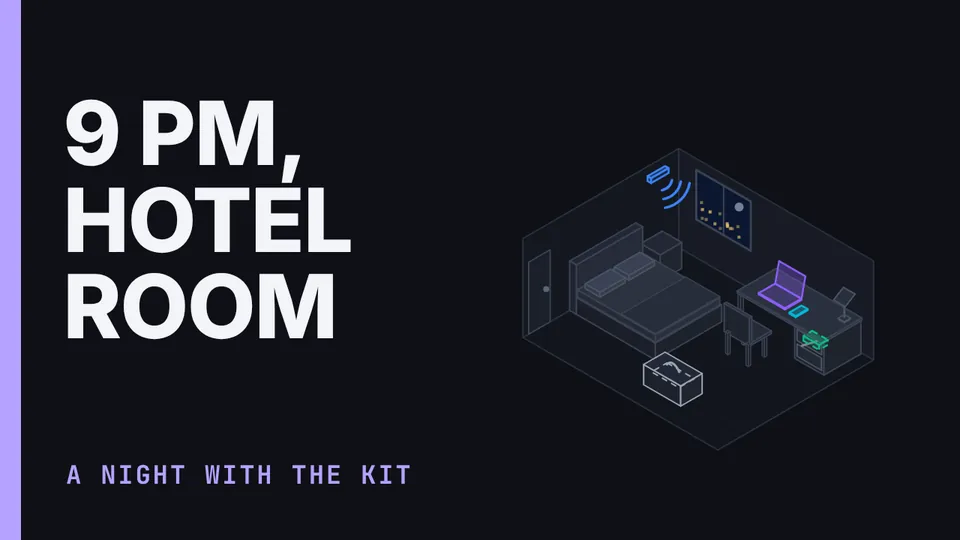
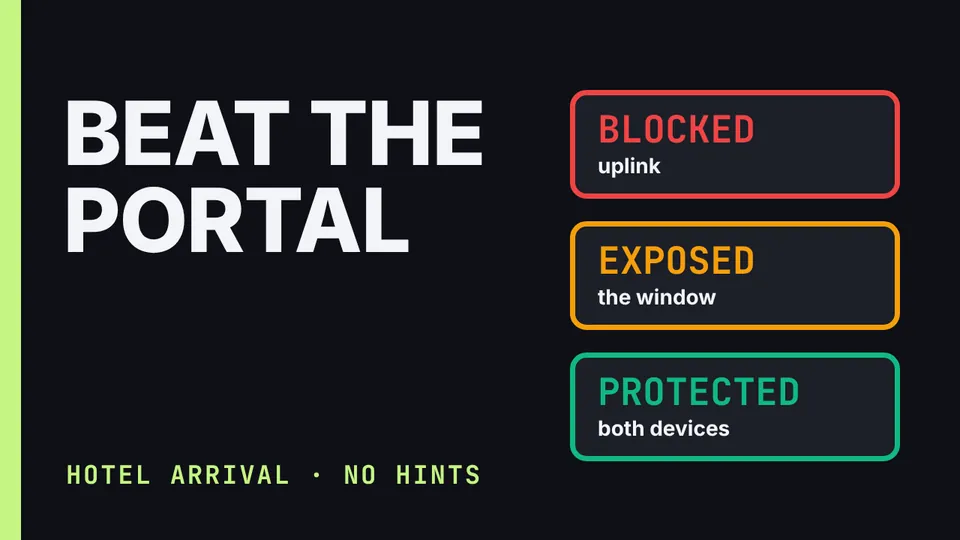
In the hotel room, the router goes through the hotel's login page first, using GL.iNet's supported captive-portal flow, before normal use.
In the terminal, keep the phone switched off or inside the Faraday bag, so it never attaches to an airport tower and never creates a record next to your passport scan.
Why does a Starlink Mini keep dying at start-up? Page 12 of the presentation gives the power rule: it needs a 100 W USB-C source, or it can brown out.
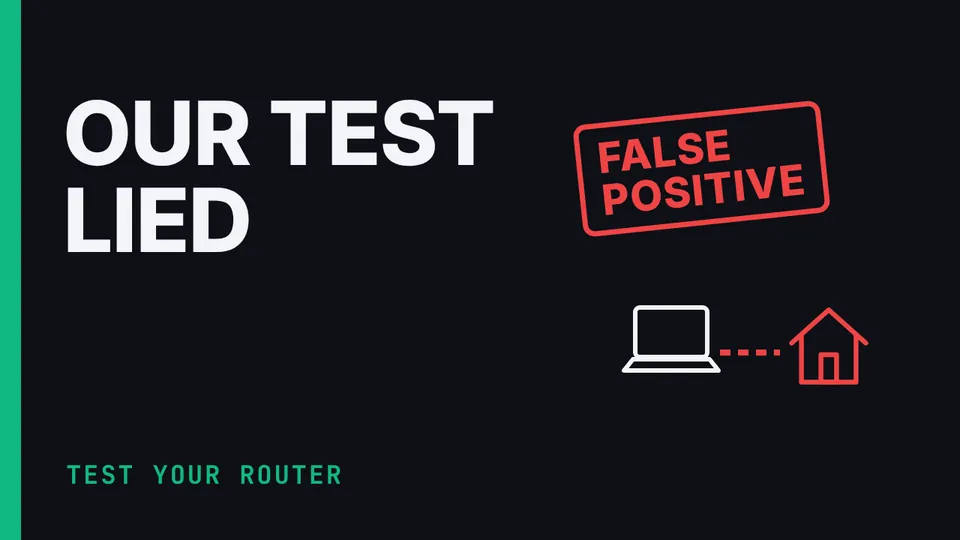
In the suite's hotel test lab, full nesting, with DAITA and Multihop on inside the router's tunnel, seemed to work.
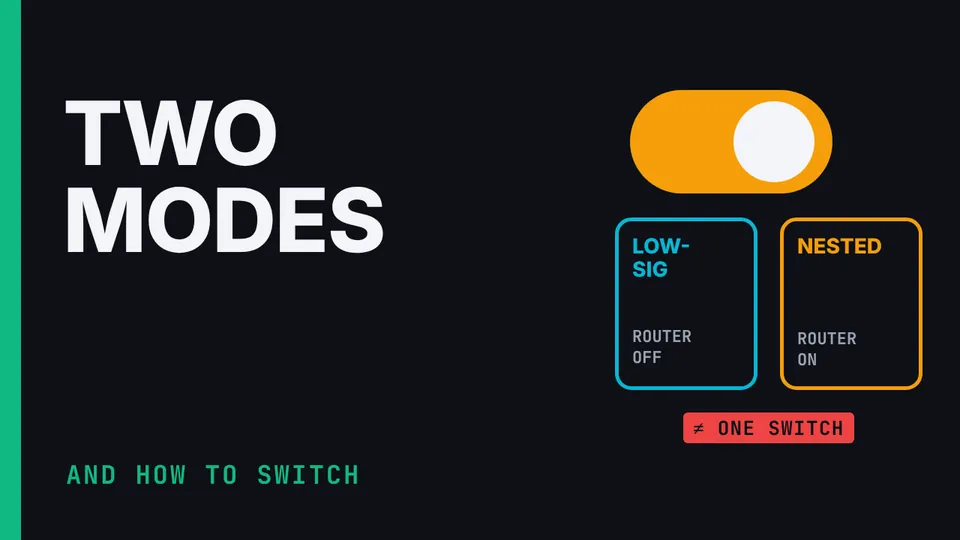
The kit has two tested modes. Low-signature: router VPN off, with DAITA and Multihop on each device. Nested: router WireGuard and Kill Switch on, with DAITA and Multihop off.
The kit's tested router build is plain WireGuard to Mullvad, with the router's Kill Switch on.
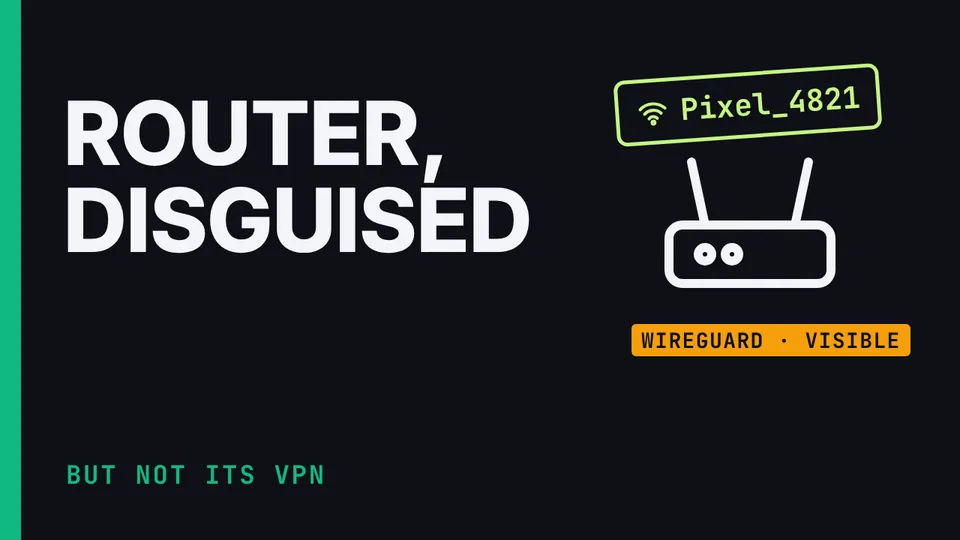
Your travel router's Wi-Fi name gives it away. Rename it to look like an ordinary phone hotspot (the Guide's example is Pixel_4821; pick your own) and change it each trip.
Have you ever restored your backup? The Setup Guide's line for it is blunt: an untested backup is only a hope. Once the recovery vault and its backup copy exist, do one real restore test on a spare or reset device.
Signal's registration-lock PIN lets you re-claim your number on a replacement device. It isn't a message backup, and re-registering still needs to verify the number.
Before the kit's phone enters your home, put it in airplane mode with Wi-Fi off.
In this kit, Signal runs on a phone number and SimpleX has none at all. The tie-breaker: put SimpleX on whichever channel you'd least want someone to be able to target by phone number.
Molly is a private version of Signal that runs alongside your normal Signal, each on its own Cape number.
When you activate Cape, save its 24-word recovery phrase right away: it's the only way to recover the account later.
Airplane mode only tests losing the network. What you need to test is the VPN failing while the network is still up. So keep Wi-Fi connected and turn the Mullvad app off: nothing should load until the VPN is back.
A duress PIN is a second code: enter it, and instead of unlocking, the phone erases itself.
A fake cell tower, an IMSI catcher, can force a phone down to 2G, which has no meaningful mutual authentication and weak or absent encryption, to capture identifiers and content.
Installing GrapheneOS and the laptop can't see the phone? Some USB cables only carry power.
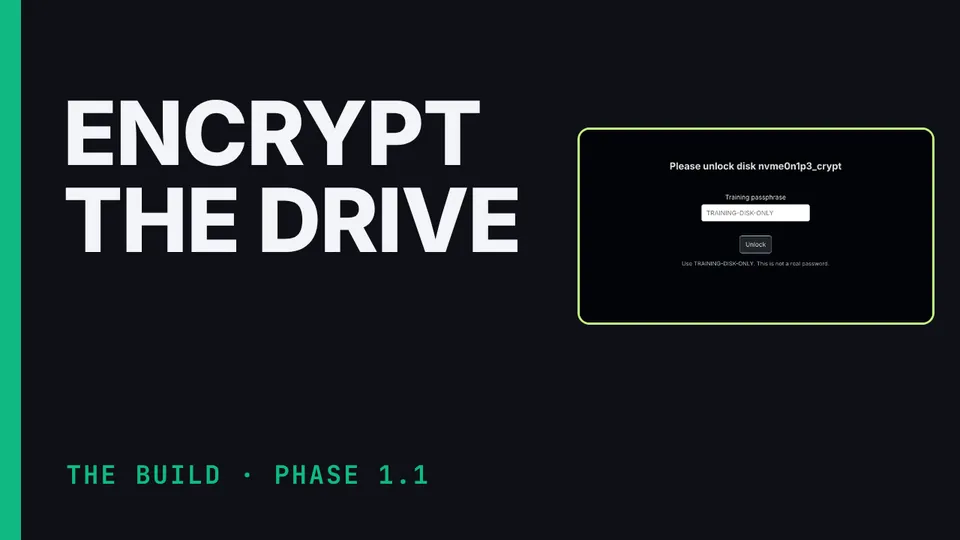
Before the privacy laptop is done, three things must be true. A cold restart asks for the disk passphrase. The Tails stick boots.
When Debian's installer asks about the disk, choose Guided, use entire disk and set up encrypted LVM. Then set the disk passphrase to five or more random words, write it on paper and keep the paper safe.
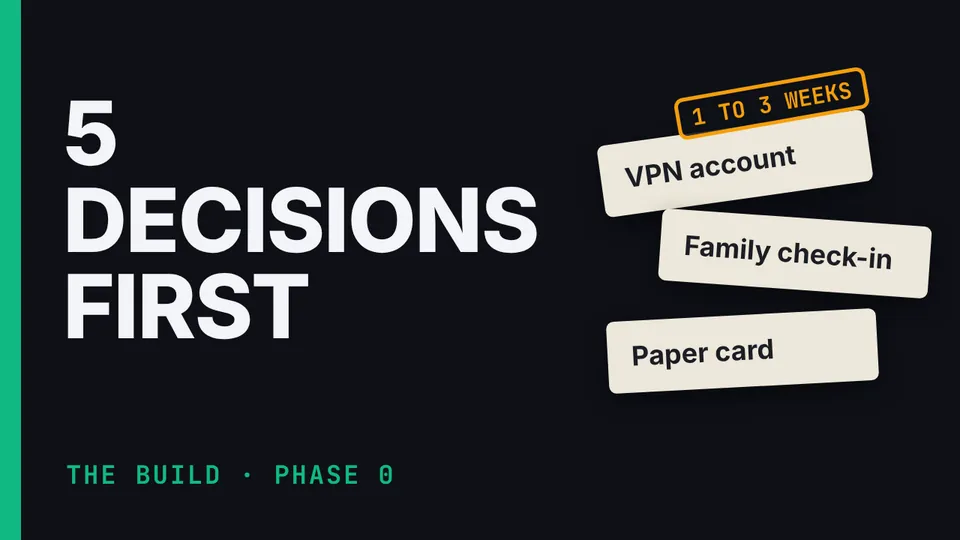
A small paper card in your wallet is the kit's backup if the phone dies: your daily check-in time and one contact phone number, nothing else.
If anyone asks about the kit's phone, the family agrees one simple answer: it's a work phone for travel.
The family check-in for this privacy kit is three lines, agreed in one short conversation. One: I'll message you most days on our channel. Two: if our channel is down, try me on the agreed backup before you worry.
The VPN account is the slow one, so it goes first. Generate a Mullvad account number and write it on paper.
This kit fails one test on purpose: if an official takes the phone and unlocks it, they may see who the user really is. The messaging identities, the contacts and the device itself can identify them.
From the hotel's side, a VPN tunnel hides the content and where you're really going. The hotel's Wi-Fi still sees the address of the VPN relay you connect to and the shape of your traffic, its timing and volume.
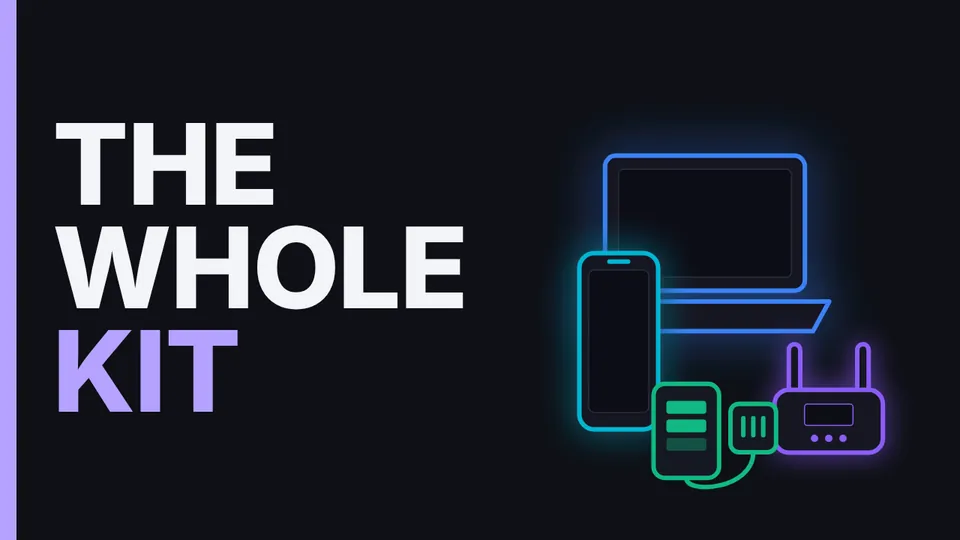
The whole Communication Suite kit in under a minute: a factory-unlocked Google Pixel on GrapheneOS with a Cape eSIM, a ThinkPad-class laptop on Debian with an encrypted disk and a Tails USB, a GL.iNet Slate 7 travel router, a power suite, and an optional Starlink Mini that stays off and is used only where it's legal: that's the kit's rule, not legal advice, so check local law.
Encryption protects the content of what you send, not the link between your phone and you. Named accounts, payment records, co-location and behavior can all still link a device to its owner.
Here's what our testing didn't prove. The suite's hotel test lab is a real test network, set up to act like a hostile hotel, and it recorded raw packets where the router joined it.
One number your phone always sends is the IMEI, the phone's hardware identity. It's transmitted to the network every time the phone attaches, it can't lawfully be changed, and it's constant for the life of the handset.
It's not about the iPhone being weak.
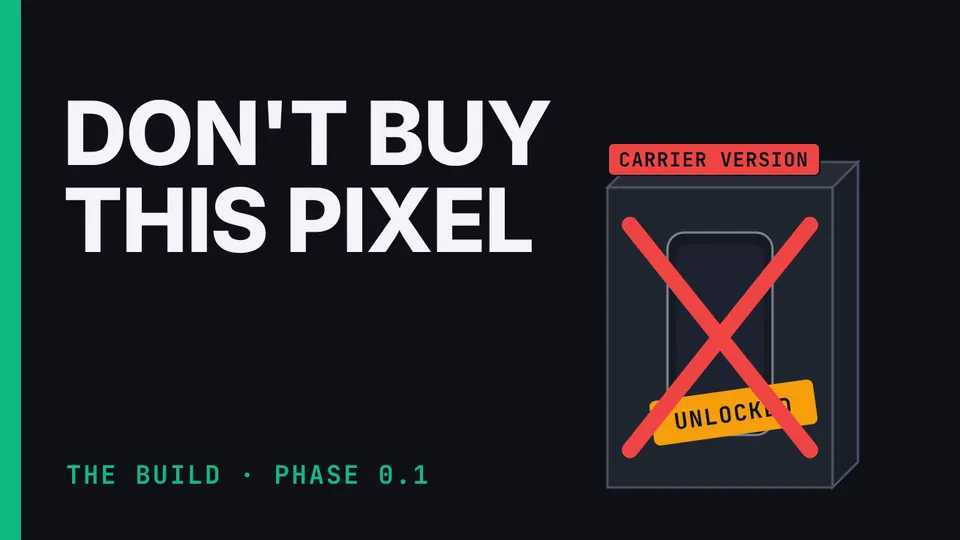
A Pixel the store calls unlocked may still be unable to run GrapheneOS. SIM-unlocked means the phone takes any carrier's SIM card; bootloader-unlockable means you can replace the operating system.
The first time a new phone connects to a cell tower, where that happened is recorded permanently.