
B06 · Tutorial
Harden GrapheneOS Before It Goes Online (Phase 2.2)
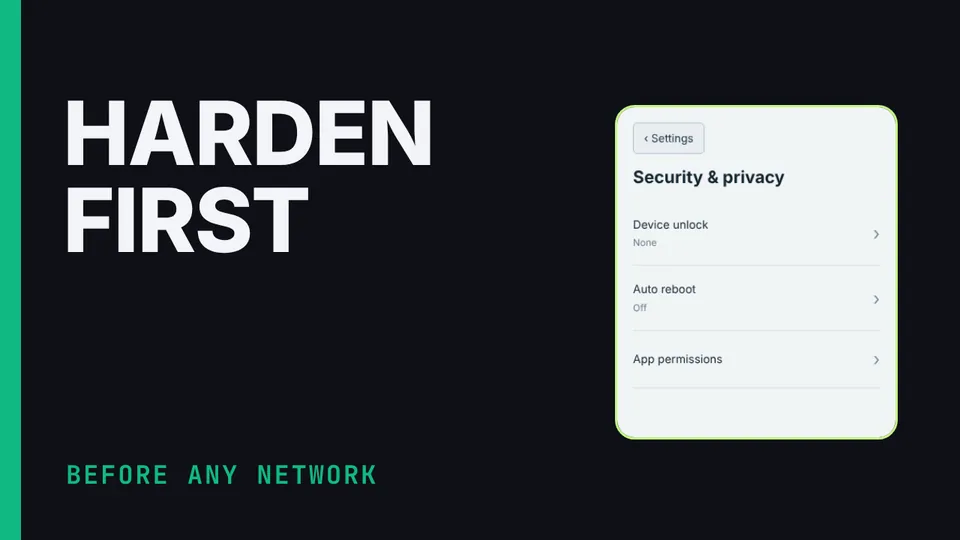
Nothing loads from YouTube until you press play. The video then plays in YouTube’s privacy-enhanced mode. Everything on screen in the Hardware Lab is a training value.
Phase 2, part 2 of the Communication Suite build: harden the phone before it touches a network. A long passphrase with fingerprint unlock off, a duress PIN, auto reboot after 2–4 hours locked, the USB port set to charging only when locked, Allow 2G off and MAC randomization on. Then the café Wi-Fi, Accrescent, and Mullvad with Always-on VPN and Block connections without VPN, a leak test, and exactly what the VPN does and doesn't cover. Demonstrated in the suite's Hardware Lab.
What you’ll learn
- Apply the device-state settings
- Install the private app store
- Enforce the phone VPN and check for leaks
Chapters
The honest limits
The phone's VPN profile was not lab-validated; test it separately. The VPN doesn't hide tower presence, IMEI and IMSI, or carrier calls and texts. The duress PIN is not a coercion defence.
Check before you rely on it
These details change. Confirm them against the vendor’s current pages.
- Mullvad Android features, Accrescent catalog, GrapheneOS settings names.